
Themes and modules add barriers
Navigation, buttons and content modules need to work for visitors using a keyboard or screen reader.
%20scale(5.3333)'%3e%3cpath%20fill='%23FF7A59'%20d='M18.164%207.93V5.084a2.198%202.198%200%200%200%201.267-1.978v-.067A2.2%202.2%200%200%200%2017.238.845h-.067a2.2%202.2%200%200%200-2.193%202.193v.067a2.196%202.196%200%200%200%201.252%201.973l.013.006v2.852a6.22%206.22%200%200%200-2.969%201.31l.012-.01l-7.828-6.095A2.497%202.497%200%201%200%204.3%204.656l-.012.006l7.697%205.991a6.176%206.176%200%200%200-1.038%203.446a6.22%206.22%200%200%200%201.147%203.607l-.013-.02l-2.342%202.343a1.968%201.968%200%200%200-.58-.095h-.002a2.033%202.033%200%201%200%202.033%202.033a1.978%201.978%200%200%200-.1-.595l.005.014l2.317-2.317a6.247%206.247%200%201%200%204.782-11.134l-.036-.005zm-.964%209.378a3.206%203.206%200%201%201%203.215-3.207v.002a3.206%203.206%200%200%201-3.207%203.207z'/%3e%3c/g%3e%3c/svg%3e) HubSpot
HubSpotThe accessibility widget for HubSpot: live in 2 minutes. AI writes missing alt texts, names unlabeled buttons and links, and keeps checking your pages and content. No code, no redesign.
Themes, modules and new campaigns can introduce barriers – from missing image descriptions to forms that are hard to use.
Navigation, buttons and content modules need to work for visitors using a keyboard or screen reader.
Each landing page, blog post and image adds content to check. Ongoing scans help you spot supported issues.
Accessibility requirements depend on your business, market and services. Check which obligations apply to your website.
Let AI make your website accessible. Live in 2 minutes.
Start for freeAdd one snippet to your website. allyWay scans for issues, applies supported fixes and keeps you informed.
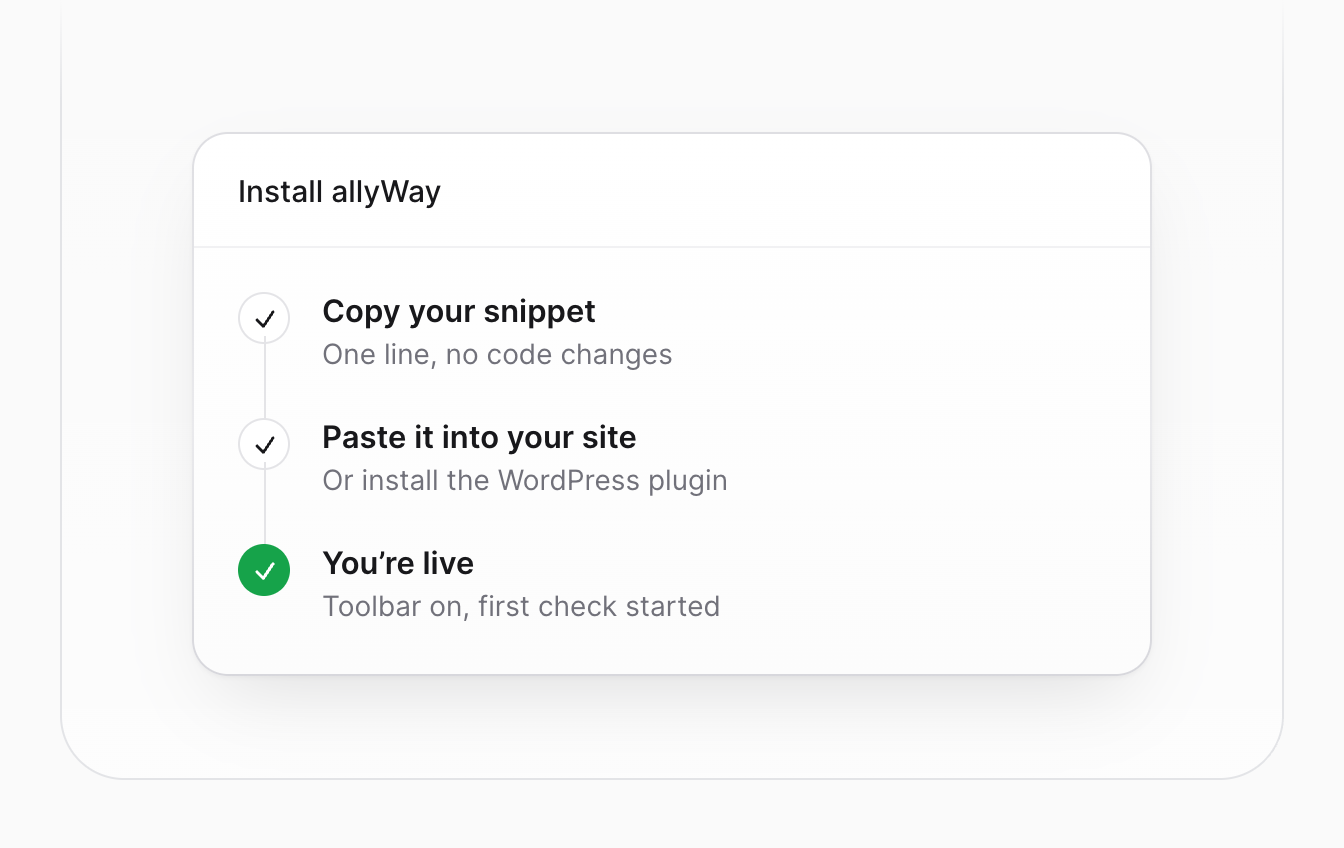
Step 1
Add the allyWay snippet through your HubSpot website’s header or footer code settings, then check your published pages.
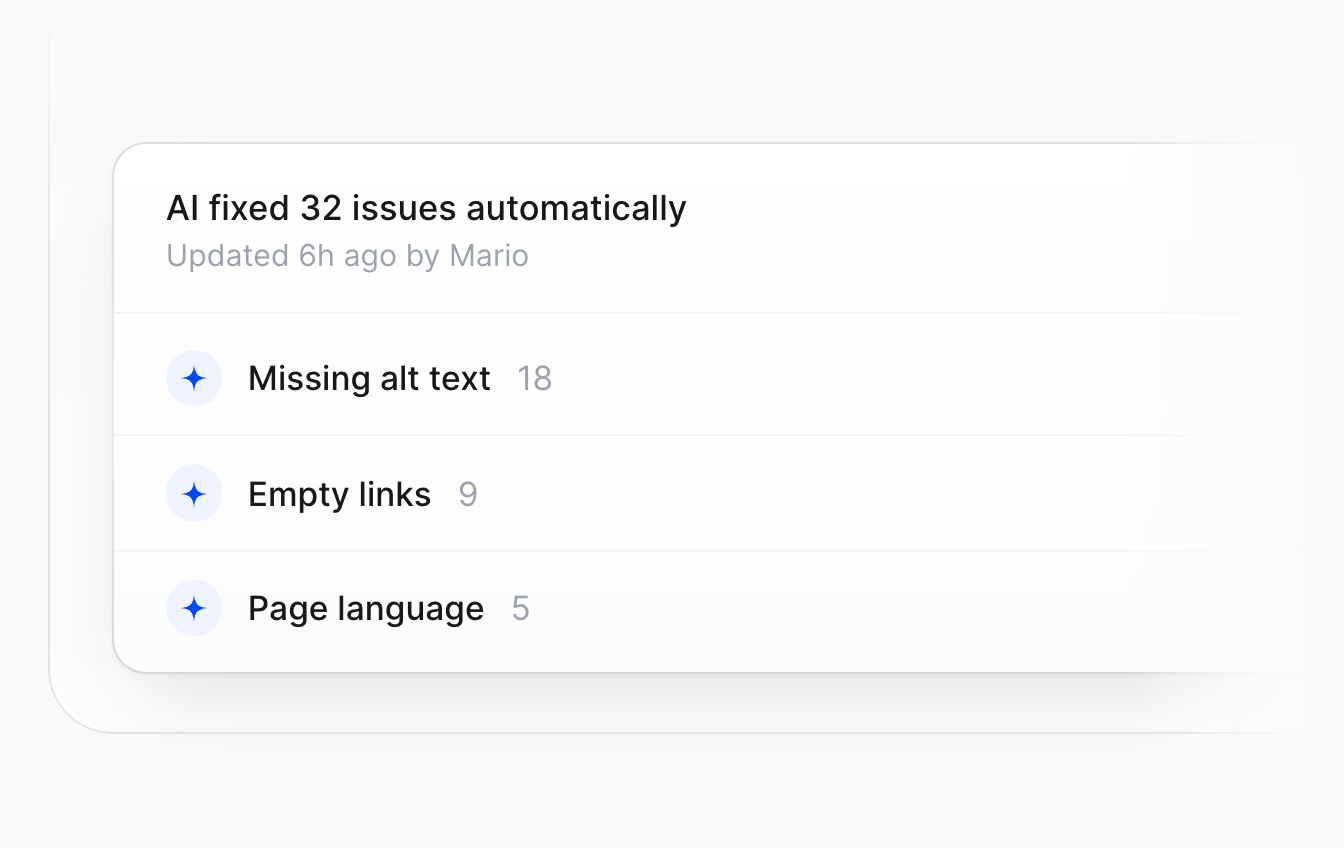
Step 2
Supported issues such as missing image descriptions and labels can be corrected automatically. Review the changes in your dashboard.
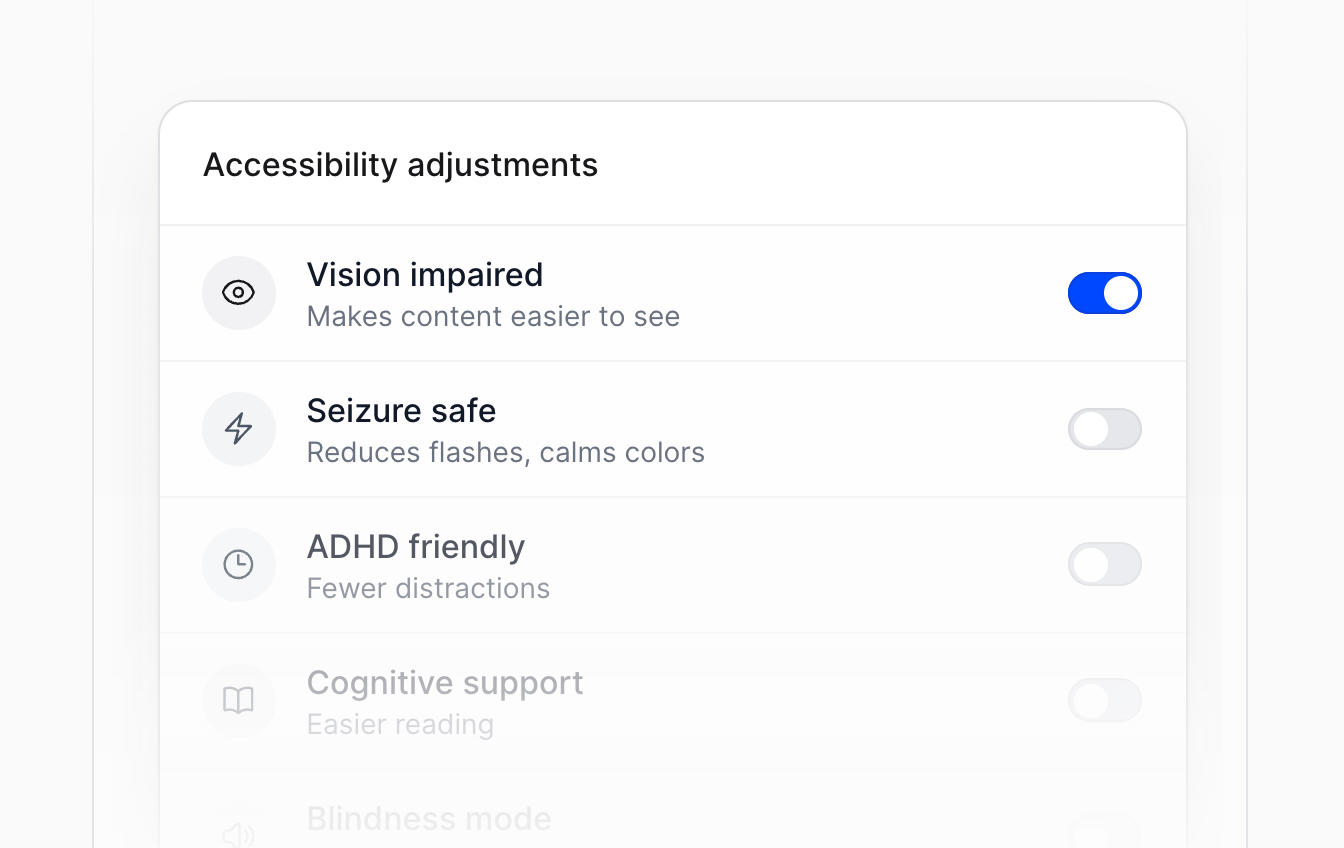
Step 3
Text size, contrast and reading aids – each visitor sets what they need in the widget.
allyWay combines an accessibility widget, AI-powered fixes and compliance tools in one solution – ready in minutes, without rebuilding your site.
allyWay scans every page of your website automatically and lists every issue it finds.
Missing alt text, empty links and language tags get fixed automatically. You see every change.
Every new page and product is checked automatically. You get told what needs attention.
Text size, contrast, cursor, focus and more — 6 ready-to-use profiles included.
Generate an accessibility statement in 40+ languages, ready to publish in minutes.
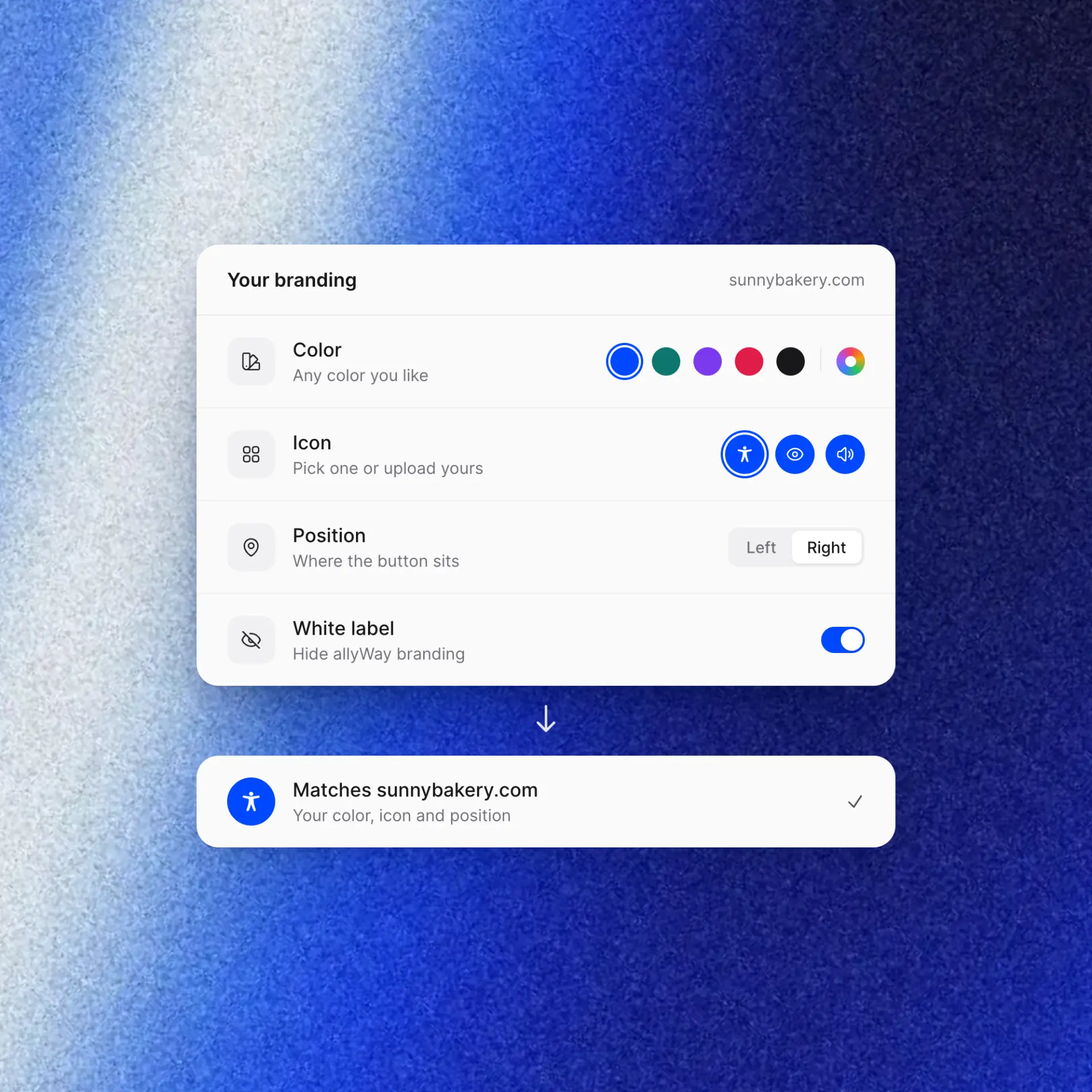
Colors, icon, size and position match your website. White label available for agencies.
allyWay checks your HubSpot site, fixes what it can and shows you the rest in one dashboard.
Add one snippet to your HubSpot site header, no developer needed
AI fixes most issues for you automatically
A step-by-step guide for everything else
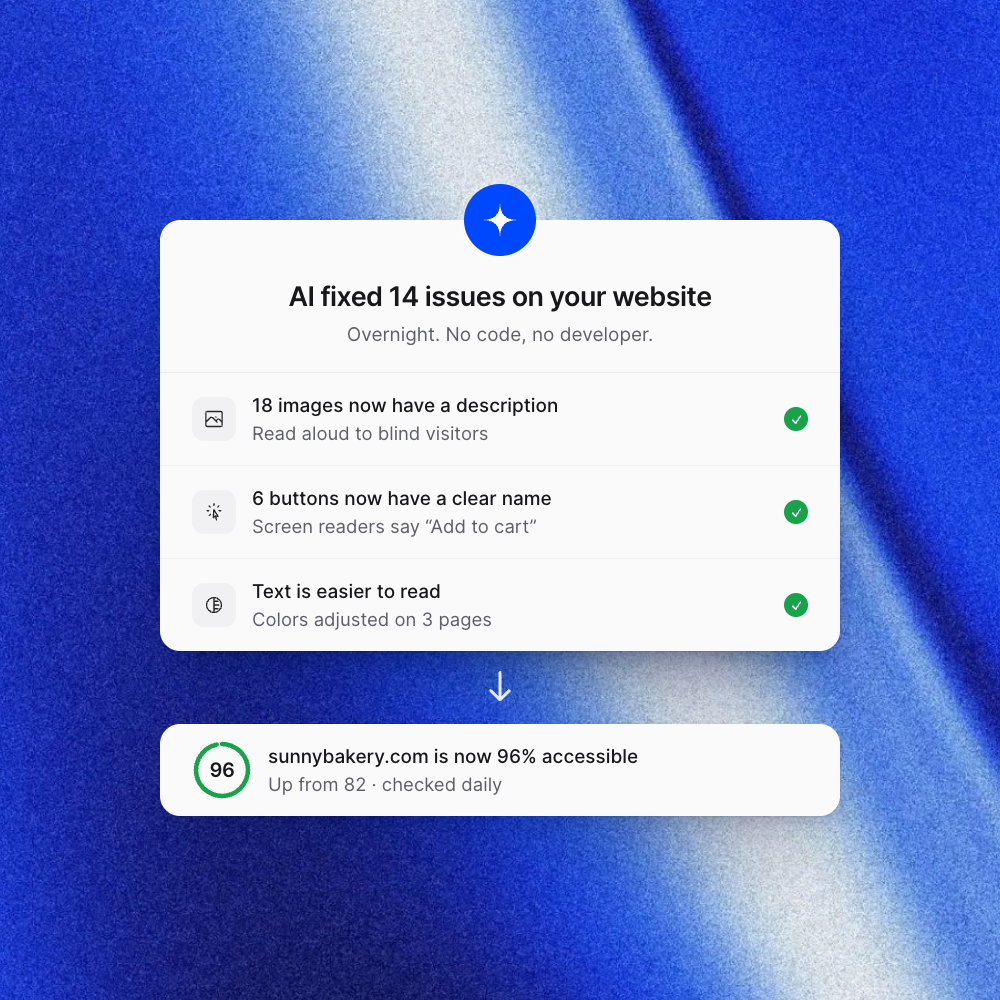
Larger text, stronger contrast or read-aloud, all in a widget that matches your brand.
Visitors choose the settings that help them
Ready-made profiles set everything up in one click
Colors, icon and position match your HubSpot site
Try allyWay free for 7 days and improve your HubSpot website’s accessibility — no credit card required.
billed monthly
$19 per website
For a single website
billed monthly
$15.80 per websiteSave 17% vs. Starter
For businesses with several sites
billed monthly
$13.90 per websiteSave 27% vs. Starter
Up to 10 websites
billed monthly
$4.98 per websiteSave 74% vs. Starter
Up to 50 websites
7 days free, no credit card required.
Prices in USD exclude tax. Tax is added at checkout depending on your country.




FAQ
Setup, HubSpot requirements, themes and forms – before you start.
One snippet, AI-powered fixes and ongoing monitoring – start your 7-day free trial.